Version 2027.2 put Crush on your nightstand. The Bedside Clock is a full-screen clock with Crush asleep beneath the time, dreaming of your Sweet Memories, and an alarm that behaves like the one in the Clock app.
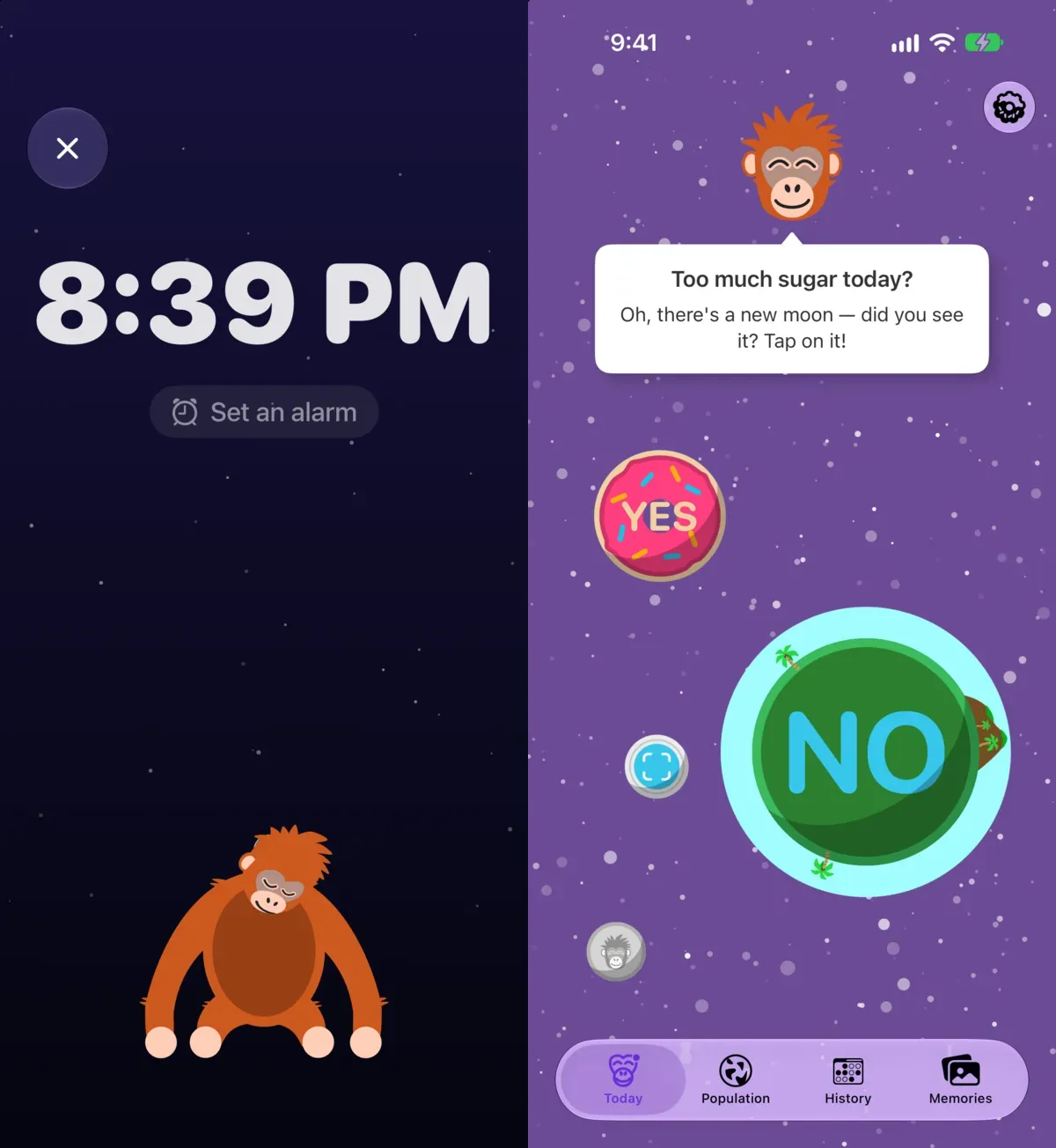
Opening it
- Open Settings (the gear at the top right of Today) and tap Bedside Clock.
- Say “Open Bedside Clock” to Siri, or search for it in Spotlight.
- Assign it to the Action button, if your iPhone has one.
- On iPhone Duo, stand the phone like a tent and the clock opens by itself.
Tap the × at the top left to leave.
Setting an alarm
Tap Set an alarm on the clock itself, or go to Settings › Bedside Clock. Pick the time and you are done. The alarm goes through Apple’s alarm framework, so it rings even when the app is closed or your iPhone is on silent. When it rings you get Stop and a nine-minute Snooze, like any other alarm.
The widget
A Bedside Clock widget shows Crush asleep above the next alarm. Add it to StandBy (the view your iPhone shows when it charges on its side) or to the Lock Screen the way you add any widget, and look for No Treat Today.
What it needs
The Bedside Clock needs iOS 26.1 or later; that is the version that lets an app’s alarm ring on time with the app closed. The rest of No Treat Today runs on iOS 17 and later.
Why a clock in a sugar tracker
Because the square of chocolate before bed is where most of my own slips happened. Crush is there at the moment it matters, and the clock gives the phone something to do on the nightstand other than showing you a feed.